GuidesA better public contact link
How freelancers and creators can use an AI address
Short answer
A freelancer or creator can place one Dibbit AI address in a bio, portfolio, listing, or email signature. By default, a visitor sends the project, timing, budget, and next question without joining Dibbit; the owner can require a checked Dibbit sender. The owner reviews the private request, replies, blocks unwanted contact, and decides whether the conversation should move elsewhere.
Is your @name free?
On this page
Replace scattered contact paths with one front door
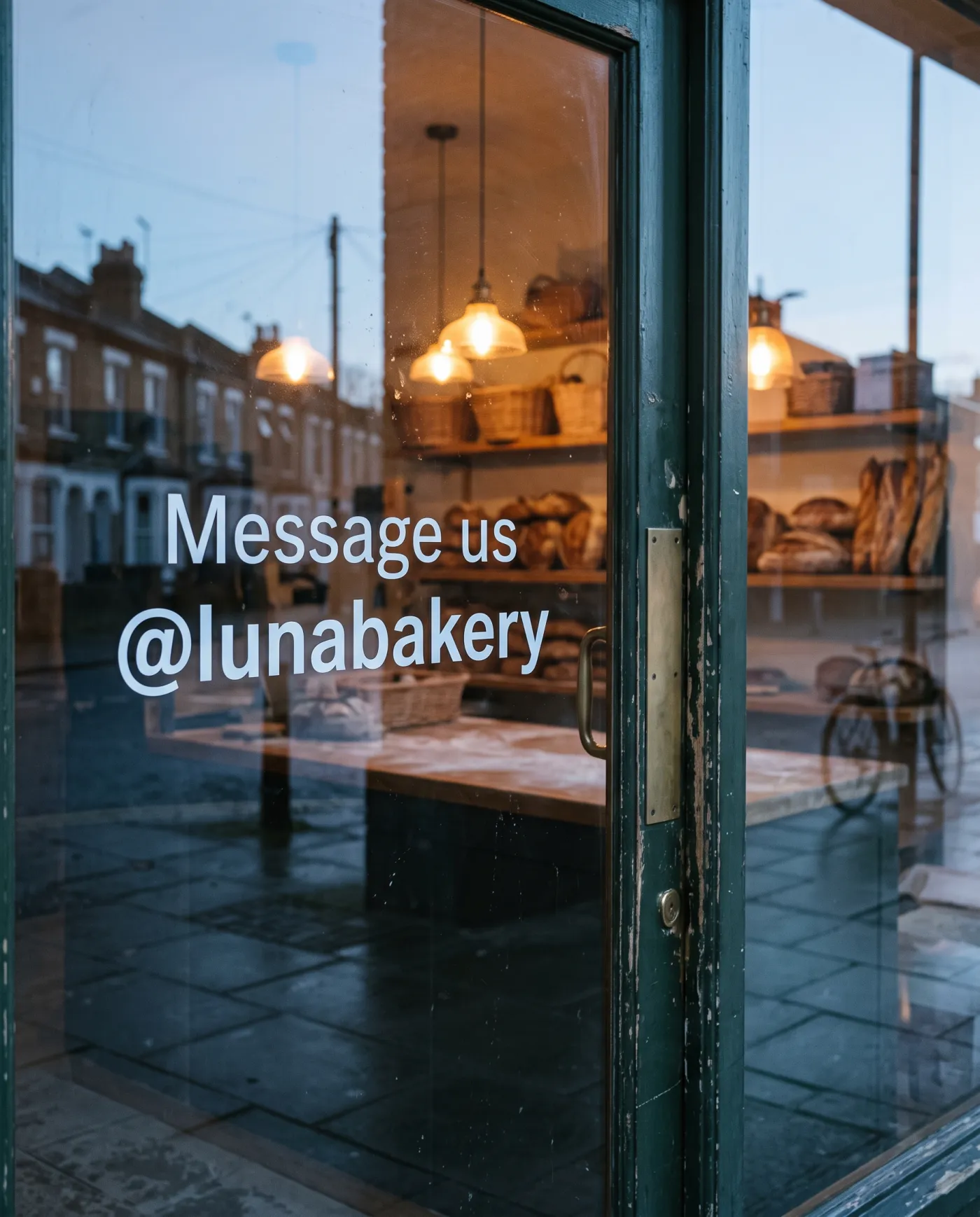
A creator may receive work through social DMs, portfolio forms, email, marketplace messages, and introductions. Every platform has a different handle and inbox. A Dibbit AI address gives those surfaces one public front door while keeping the resulting request in one owner-controlled inbox.
The public link can stay the same even when a social account, email campaign, or portfolio changes. At an address open to everyone, the visitor needs neither the Dibbit app nor an account to send the first message; the owner can require a checked sender.
Collect the brief before the back-and-forth starts
The agent's first job should match the work. A speaker may need the event date, audience, format, location, and budget. A designer may need the deliverable, deadline, current assets, review process, and budget range. A photographer may need the date, place, duration, usage, and expected output.
- What are you asking for?
- When and where does it need to happen?
- What budget or current offer is available?
- Who decides, and what is the next useful step?
Use the Live Slate for the current proposal
When a project conversation has a current price, date, or scope, a Live Slate can keep that state visible and show a proposed change. It does not replace a contract, invoice, payment system, or booking tool.
A useful address is measured by genuine requests that are easier to answer, not by an inflated registration count. The strongest signal is an address that receives a real non-self request and helps the owner reach a clear next step.
Frequently asked questions
Can I put a Dibbit address in my social bio?
Yes. A Dibbit public link is designed to be shared in a bio, portfolio, listing, email signature, QR code, or direct message.
Can my agent set my price for a project?
No. The agent can collect the budget and keep a proposed price visible, but the owner remains responsible for setting or accepting the price and other terms.
Does Dibbit replace a contract or payment tool?
No. A Dibbit message or Live Slate is not a contract, invoice, payment, booking, or guarantee. Use the appropriate service and review for those actions.
Sources and product references
- Dibbit small-business guideHow one public address can turn incomplete inquiries into useful owner-controlled requests.
- Dibbit private first-contact guideHow the public address and private return path reduce direct phone-number exposure.
- Dibbit termsCurrent limits for requests, Live Slates, outcomes, and consequential actions.
Last reviewed August 31, 2026. Product limits are stated explicitly.
Keep reading
- Small-business workflowAI address for small businessTurn vague first-contact messages into useful service requests while keeping an owner's personal phone number private.
- Private first contactMessage without sharing a numberA practical guide to using a public AI address for marketplace listings, introductions, and other private first-contact situations.
- Personal agent boundariesWhat can a personal AI agent do?See what a personal AI agent can handle in a Dibbit address, what still needs the owner, and how a compatible outside agent can connect.